
 AI Video Generator
Turn product photos into video ads with AI avatars
Using the AI Image to Video tool
 AI Social Media Image & Video Last updated on November 25, 2026
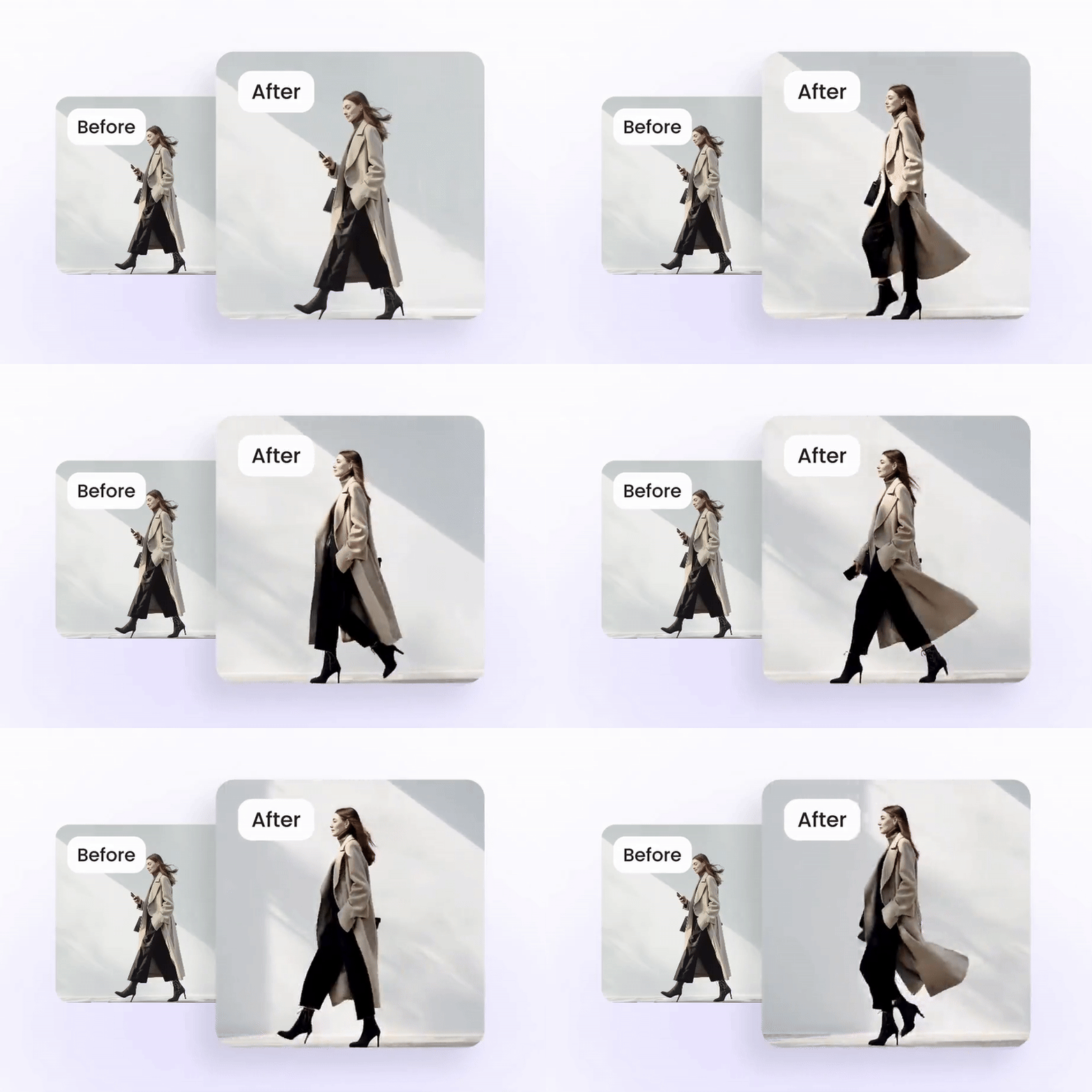
The AI Image to Video tool allows you to effortlessly transform your product images into stunning, animated videos using generative AI technology.
Key Features
- Generate AI videos from your product images
- Bring products to life with animated, in-context scenes
- Create scroll-stopping videos for ads and social media
💰 Note: Each successfully generated video incurs a usage charge: $1.00 USD for a 5-second video, $2.00 USD for a 10-second video.
📍 Where to Find It
You can find the AI Image to Video tool on the home page of the OmniGen: AI Images & Videos app, alongside AI Photoshoots and AI Background Remover.
🛠️ How to Use It
Upload or Select a Product Image
Upload an image from your device or choose a product image from your catalog.
Generate the Video
Choose the video length, 5 s or 10 s, then click Generate video to begin the video creation process. This step triggers the usage charge.
⏱️ Video generation takes less than 5 minutes.
View and Download Your Video
Once generated, you can preview the video immediately and download it as an MP4 file.
⚠️ Important: Generated videos are stored in the app for only 14 days. Make sure to download them before they expire.
Still stuck?
Chat with our support team, we’ll sort it out with you.